Austin Airbnb Listing Score
Austin Airbnb not booking? Find the weak spot first
AuthorPriya Kapoor, Contributing writer
How to Find What's Weak on Your Austin Airbnb Listing, Before You Guess or Cut Your Price
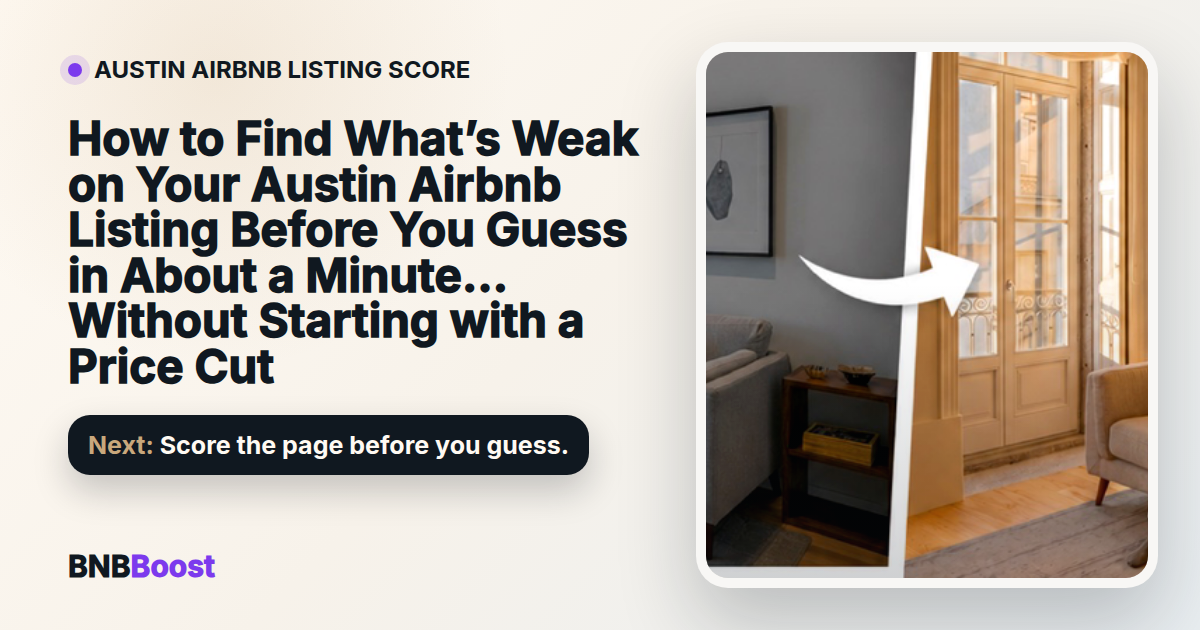
Austin is full of listings that look polished at first glance. That makes the first few seconds brutal. Guests compare photos, price, location, reviews and vibe before they ever read your description.
When bookings slow, most hosts guess. They drop the price, rewrite the title or add a discount. A better move is to find the weakest part of the listing first, then fix that.
Why guessing costs you
A price cut is the most expensive fix there is: it lowers revenue on every night, including ones you'd have booked anyway. If the real problem is a dark cover photo or a title that doesn't say what makes your place special, the cut just hides it.
The 5 places Austin listings usually leak
Check these before you touch the nightly rate.
1. Cover photo
It's the only image in search results. Austin guests often book for a reason: a festival, a bachelor or bachelorette weekend, a work trip, family visiting the university. Does your cover speak to the guest you actually get? A group listing should lead with the gathering space or the pool, not a bedroom.
2. First bedroom photo
Groups compare sleeping arrangements fast. Show beds clearly, with tight bedding and good light, and use Airbnb's photo tour room details to list bed types (Help article 477).
3. Strongest gathering space
Living room, patio, pool or backyard. Shoot it wide, at chest height, in good light. For outdoor spaces, shoot at sunset hour, with string lights on if you have them (Airbnb's prep guide suggests turning on outdoor lighting).
4. Title
Does it say what makes the place worth it, like walkability, a pool, or space for a group, in plain words? Avoid generic adjectives.
5. Review signals
Read your last 10 reviews. Is there a repeated complaint (noise, cleanliness, check-in) that new guests can see? Photos can't fix that, but a response and an operational fix can.
Austin quick checklist (on your phone, 10 minutes)
- Search your area on Airbnb for your typical dates and group size. Does your cover stand out in the grid?
- Do your first five photos show sleeping, gathering and the standout feature?
- Does the price look fair next to the photos?
- Is your title specific?
- Does any recurring review complaint sit unanswered?
Photo fixes that help most in Austin
- Heat and light: Texas sun is harsh at midday. Shoot interiors with blinds open in softer morning light, exteriors at sunset hour.
- Pools and yards: covers off, loungers set, hoses and toys hidden.
- Honest edits only: brighten, correct colour and straighten, but don't add amenities or hide wear (Airbnb Help article 2895).
What the BNB Boost Listing Score checks
The free Listing Score looks at the parts that shape guest trust: first impression (photos), search visibility, amenities, description strength and review signals. The goal isn't a vanity number. It's to show you the next fix to make, before you touch price.
Run your Austin listing through BNB Boost. Paste your Airbnb URL, get a free score, and see what to fix first. Get your free Listing Score
FAQ
Why is my Austin Airbnb not getting bookings?
Common causes are a weak cover photo, unclear sleeping arrangements, a generic title, pricing out of line with the photos, or a visible review issue. Find which before changing price.
Should I lower my price?
Maybe, but only after you've ruled out the cheaper fixes.
Do better photos help?
Airbnb reports listings in its pro photography program saw 19% more bookings on average (Airbnb's own data; results vary).