Miami Beach Airbnb Photo Refresh
How to fix your Miami Beach Airbnb’s first 3 photos
AuthorIsabel Moreno, Contributing writer
How to Fix Your Miami Beach Airbnb's First 3 Photos Before You Cut Your Price
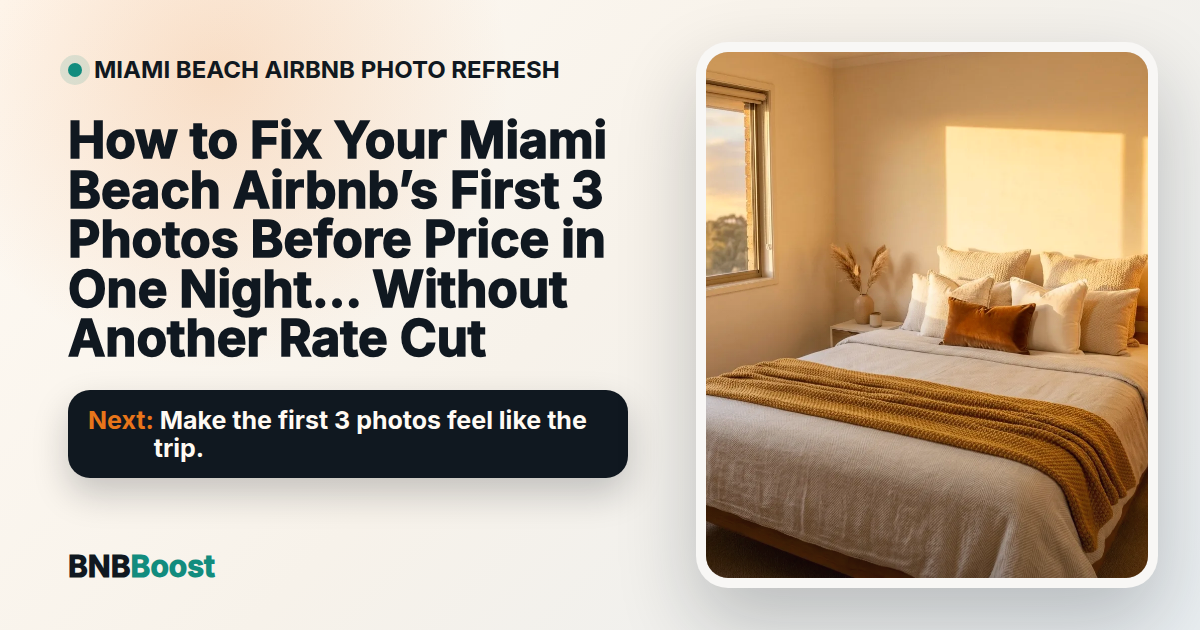
Miami Beach guests make fast choices. They see a pool, a balcony, a bedroom or a living room for a second, then decide whether the listing feels worth the rate. If your first photos look dark, cold or flat, your place feels cheaper than it is.
That doesn't mean your property is weak. It means your online first impression isn't pulling its weight. Fixing that is cheaper and faster than another rate cut.
Why the first 3 photos do the hardest selling
Airbnb lets you choose and reorder the first five photos on your listing (Help article 477), and your cover photo is the only image guests see in search results.
- Photo 1 (cover) stops the scroll. In Miami Beach that's usually the water, the pool, the balcony or a bright living space.
- Photo 2 proves the promise. If the cover is the view, photo 2 shows where you'll actually relax while looking at it.
- Photo 3 says "clean and cared for". Usually the main bedroom with crisp white bedding.
Miami Beach light: use it, don't fight it
Strong sun is your best asset and your biggest problem.
- Interiors: shoot when the sun isn't hitting the windows directly. Direct sun blows out windows and throws hard shadows across floors.
- Exteriors and pools: Airbnb's guide recommends the golden hours, roughly the hour after sunrise and the hour before sunset. Pools look richer and buildings warmer.
- Balconies and ocean views: expose for the view, then lift the interior in editing (or let an AI tool balance it). A white rectangle where the ocean should be wastes your best feature.
Room-by-room shot list for Miami Beach listings
Shoot the spaces guests actually use, and leave out amenities they cannot.
Pool / outdoor
- Wide shot showing loungers, umbrella and the pool in one frame, covers off (Airbnb's prep guide says the same).
- One detail shot: towels rolled on a lounger, or the outdoor shower.
Balcony / view
- Shoot from inside looking out through the open door. It tells guests "this is from your room".
- A second shot from the balcony itself.
Living space
- Corner shot at chest height, blinds open, mixed-colour lamps off.
Bedrooms
- Tight white bedding, two pillows per sleeper, nothing on nightstands but a lamp.
Bathroom
- Clean mirrors and glass, folded towels, toiletries hidden.
Building and amenities
- Only shared amenities guests can actually use. Don't show a building pool that's closed half the year without saying so.
What to check tonight (10 minutes, on your phone)
Open your own listing on your phone, as a guest would:
- Look only at the first three photos. Would you tap this if you didn't own it?
- Does each room look bright and warm, or grey?
- Is the ocean or pool view actually visible?
- Does the cover still work cropped small in search results?
- Do the photos make your nightly rate look fair?
If two or more answers are "no", fix the photos before touching price.
Edit honestly
Miami guests are paying for sun and water, so the temptation is to fake both. Don't. Airbnb's photo policy (Help article 2895) requires photos to represent the listing accurately. No swapping in a better view, no hiding wear. Brightening, colour correction, straightening and recovering the real view out the window are fair game.
The fast fix
Start by refreshing just your first photos, the ones guests judge first. You don't need a new shoot to test whether better presentation helps. You need the existing rooms to look like themselves on their best day. BNB Boost refreshes your existing photos with cleaner light, truer colour and sharper detail, without inventing anything.
Run the free Listing Score first. Paste your Airbnb URL and see what may be costing clicks before you lower your price. Get your free Listing Score · Try 1 photo free
Related: Are AI photos allowed on Airbnb? · Airbnb photo editing guide · Airbnb views but no bookings
FAQ
When should I photograph a Miami Beach Airbnb?
Interiors in bright indirect light. Pools and exteriors in the sunset hours.
Should my cover be the view or the interior?
Lead with whatever is most distinctive and actually yours. If guests see that view from the unit, it usually wins.
Can I use the building's marketing photos?
Only for amenities guests can really use, and label them clearly.